AI Video Generator
Upload one photo and bring it to life with leading AI video models like Grok, Seedance, and Wan — generate and compare them all at once.
Upload one photo and bring it to life with leading AI video models like Grok, Seedance, and Wan — generate and compare them all at once.
Turn a single photo into a lifelike AI video, compare leading models side by side, and guide every result with reference images — all in one workspace.
Run the same photo through leading AI video models — Grok, Seedance, Wan, Kling, and more — side by side in a single workspace. Compare how each one handles motion and realism, keep the take that looks best, and skip paying for a separate subscription to every tool.
Explore video models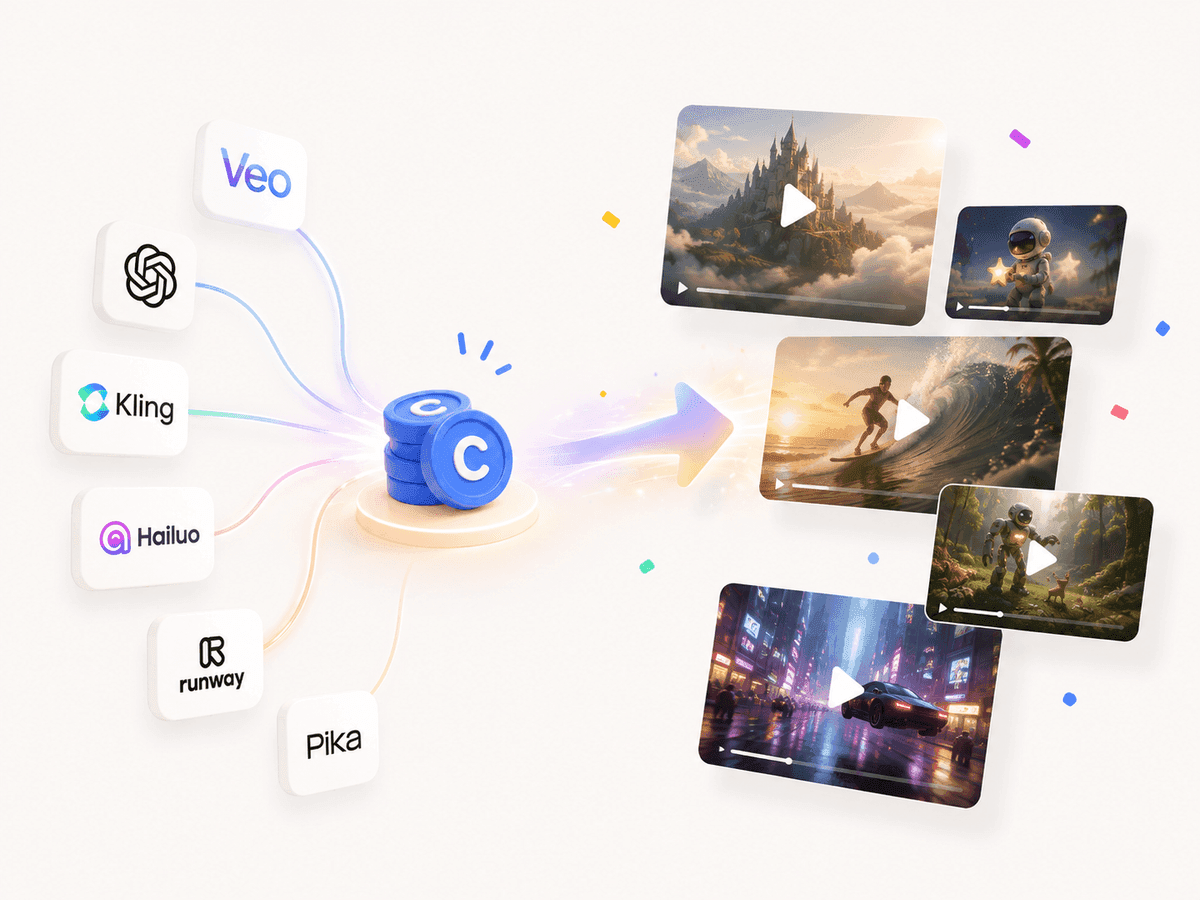
Upload one image and let AI bring it to life with natural body movement, camera motion, and lifelike detail — no editing timeline or production setup. Describe the scene you want and the model handles the rest in a few seconds.
Start creating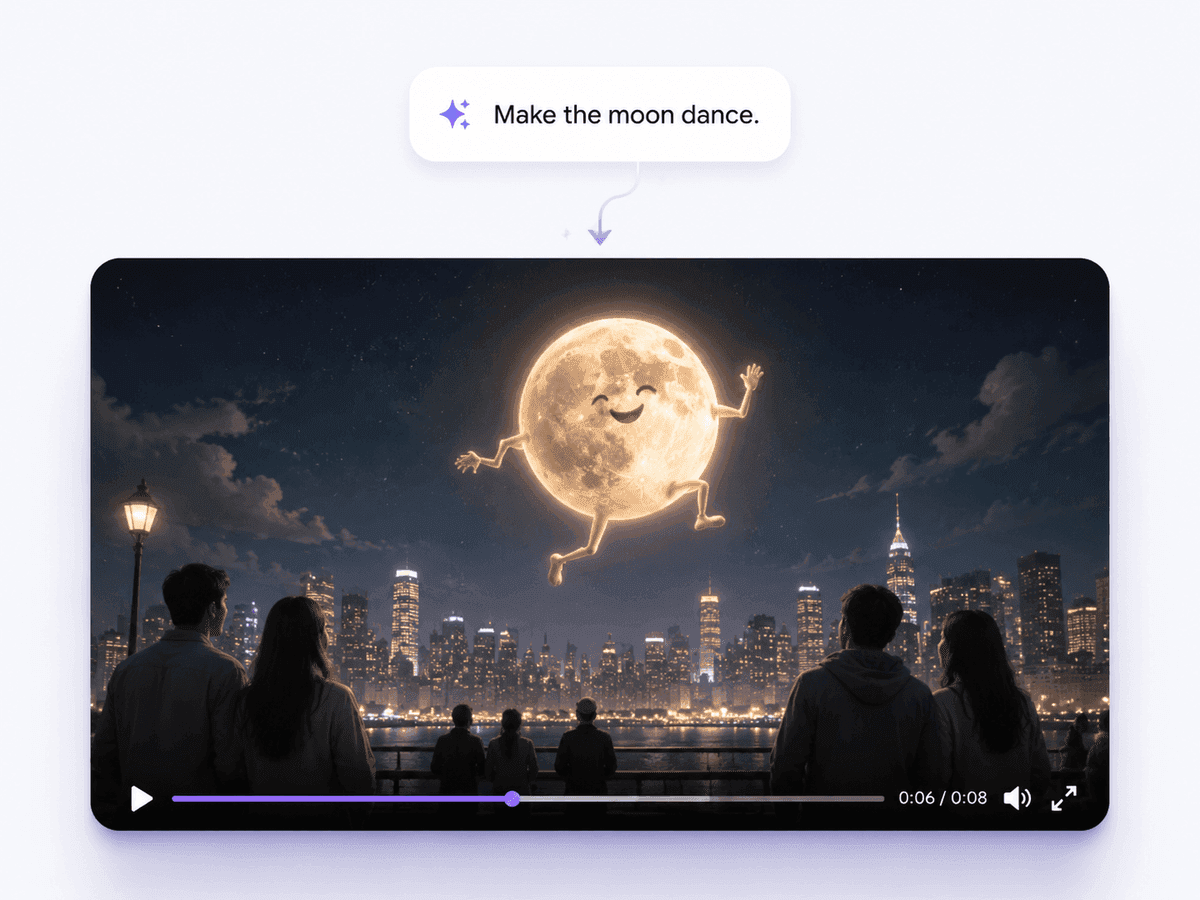
Add reference images so the model locks onto the same person, pose, and setting across every frame. More references mean steadier identity, cleaner motion, and results that stay true to your source from the first frame to the last.
Add references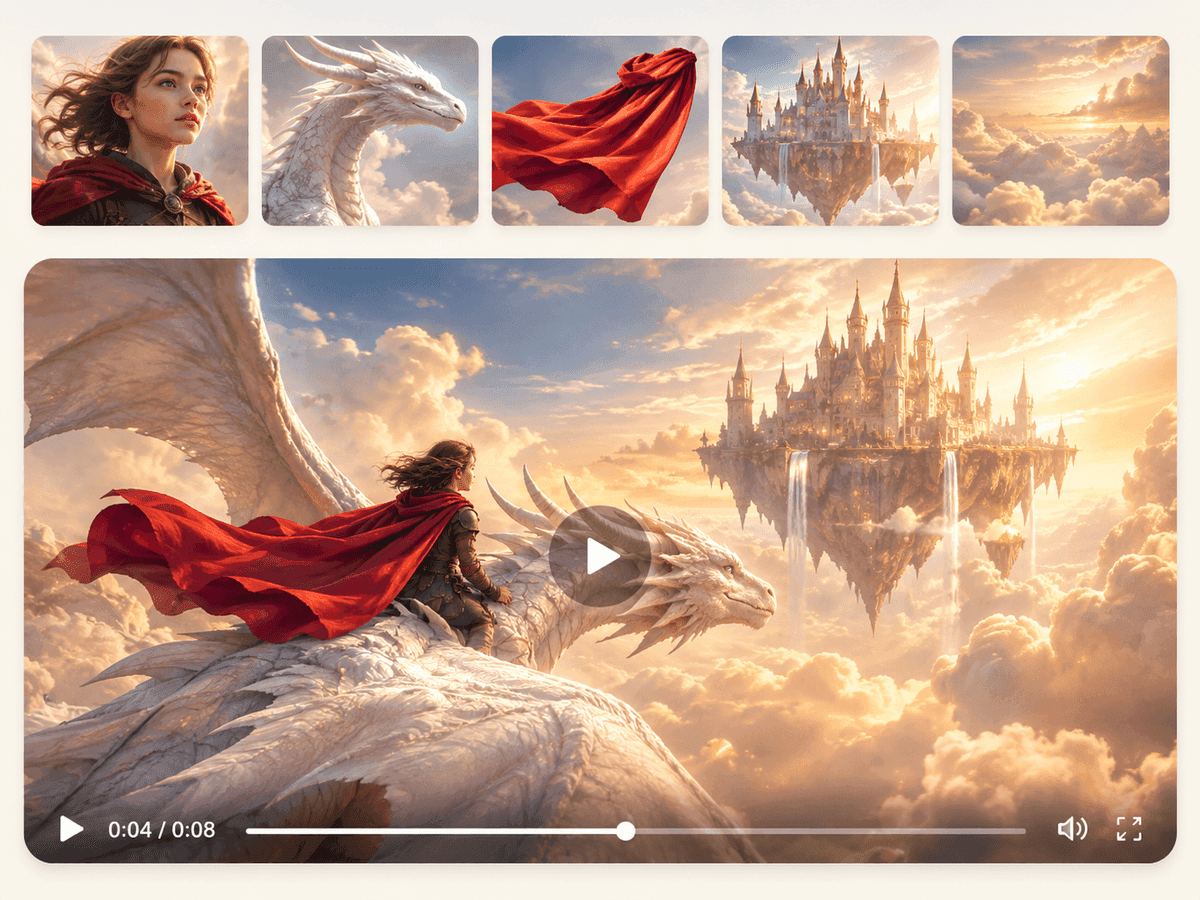
FAQ
For animating a single photo, Grok Imagine, Seedance, and Wan tend to give the most convincing body motion and identity consistency. MiniMax and Kling are strong when you want steadier subjects and cinematic camera movement, while Hailuo handles natural character motion well. You can run several at once and compare which suits your image.
Yes. Multi-Model lets you select several video models and generate from the same photo and prompt in one workspace, so you can compare motion, realism, and cost without separate subscriptions or repeated setup.
Just a photo. Upload a single image and the AI animates it into a short clip. If you already have a video you want to continue, use the Video Extender to add more seconds from where it leaves off.
Start from a clear, well-lit photo and describe the movement, pace, and camera direction you want. Adding one or more reference images helps the model keep the same person and pose consistent across the whole clip.
Most models produce clips in the 4–15 second range per run, with Seedance reaching up to 30 seconds. You can keep extending a result to build a longer sequence.