AI Image Generator
Upload one photo and generate realistic AI images with leading models like Nano Banana, Grok, and ChatGPT — compare them all in one workspace.
Upload one photo and generate realistic AI images with leading models like Nano Banana, Grok, and ChatGPT — compare them all in one workspace.
Generate and transform photos with leading AI image models, guide every result with reference images, and animate them into video — all in one workspace.
Run the same photo through leading AI image models — Nano Banana, Grok, ChatGPT, Flux, Seedream, and more — side by side in a single workspace. Compare how each one handles realism and detail, keep the result that looks best, and skip paying for a separate subscription to every tool.
Explore AI models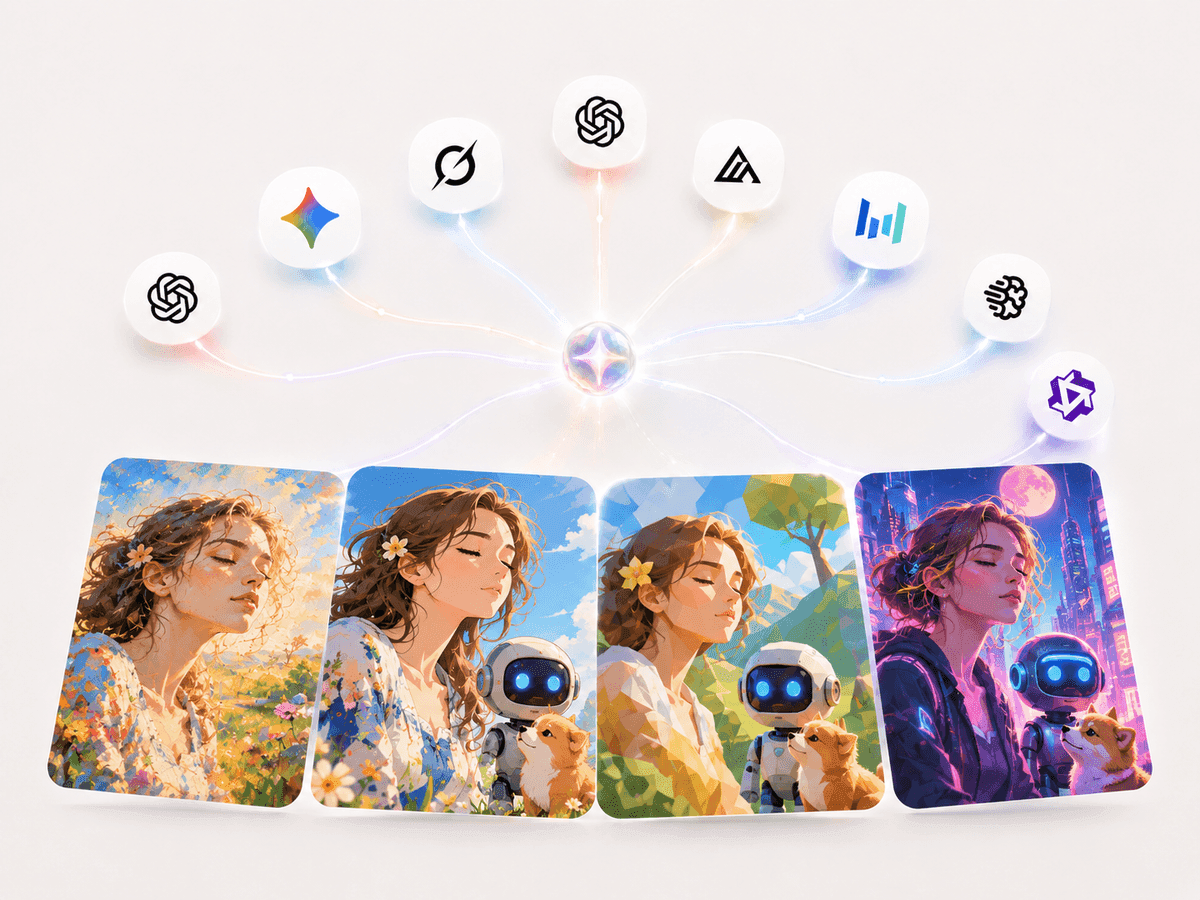
Upload one or more reference photos to lock in the subject, pose, body, and setting you want. The model uses them alongside your prompt for cleaner, more consistent results that stay true to your source image.
Try image references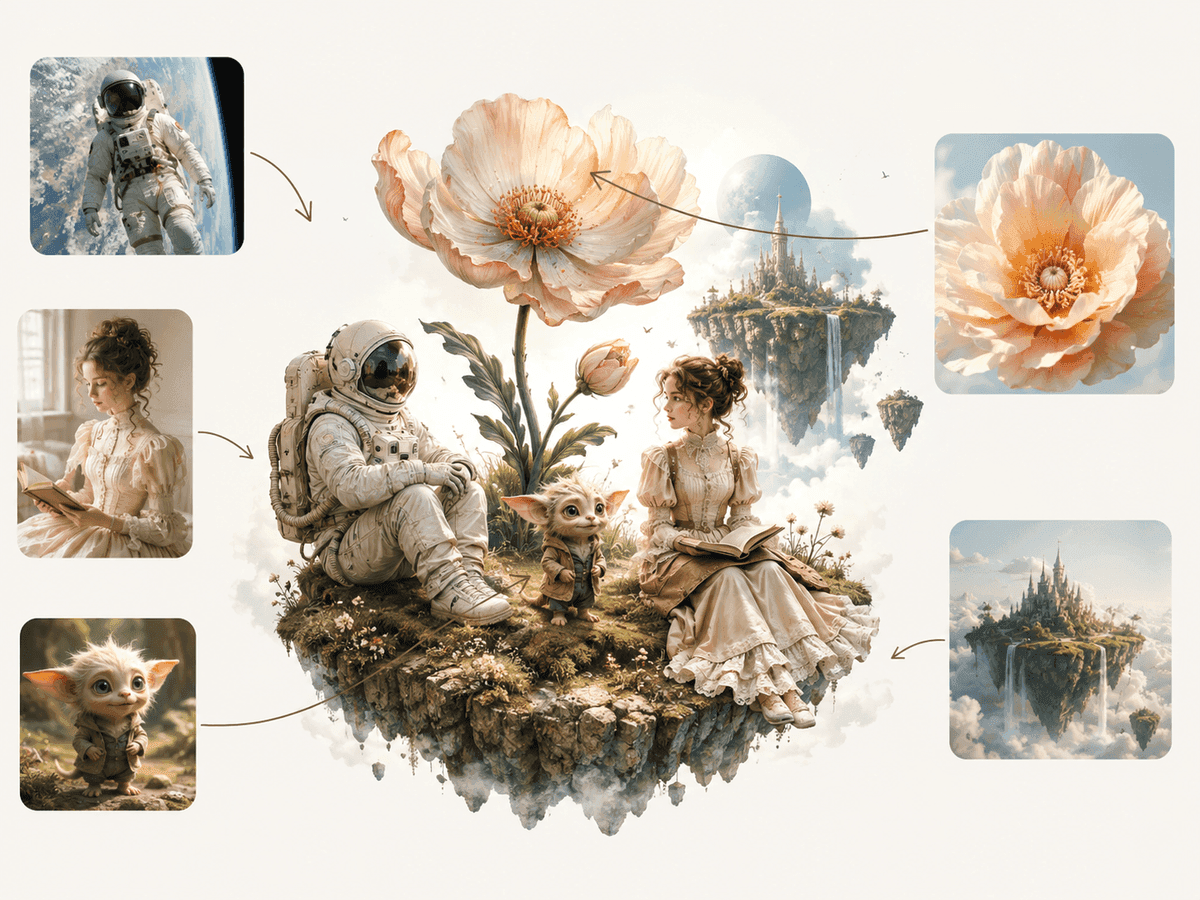
Turn any generated image directly into an AI video without starting over. Add natural body movement, camera motion, and lifelike detail — all within the same creative workflow.
Create a video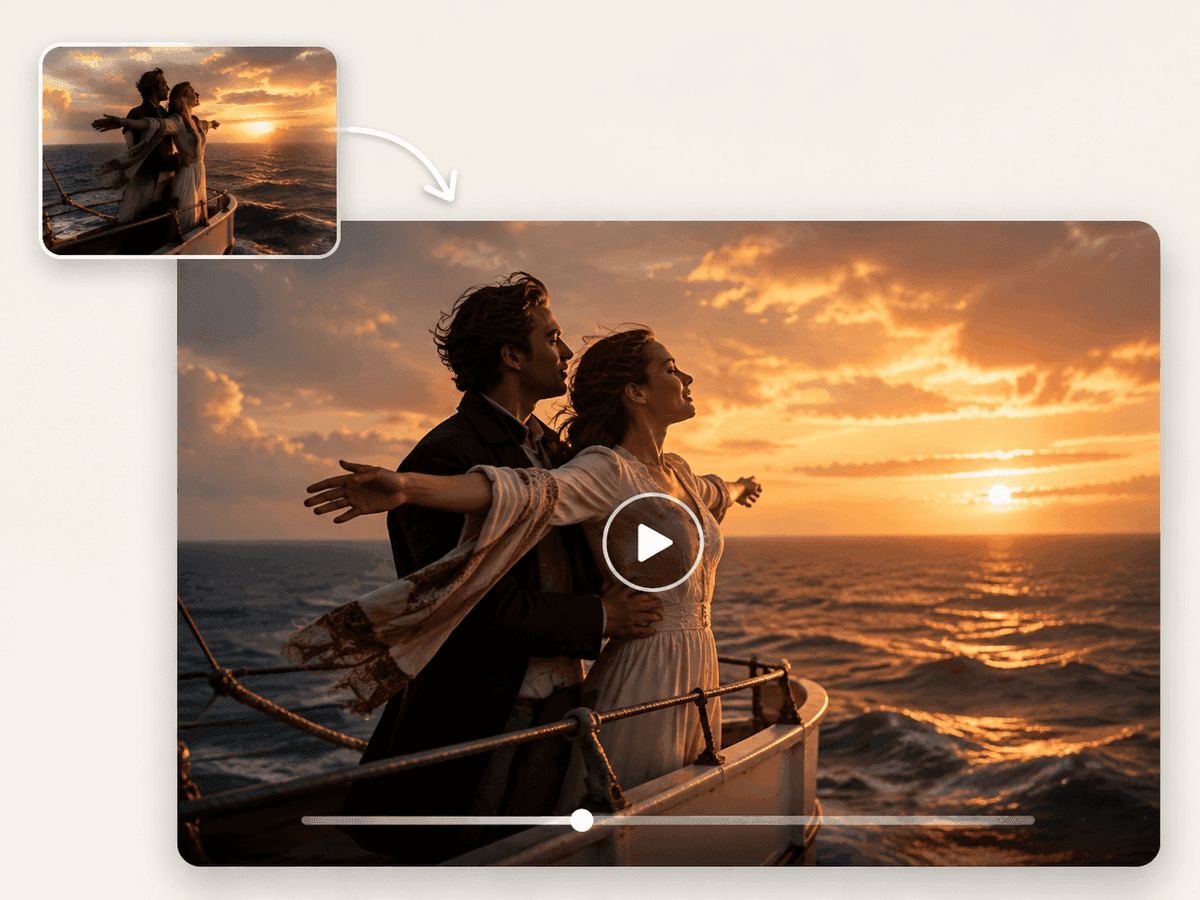
FAQ
For generating or editing from a photo, Nano Banana and Grok Imagine tend to give the most realistic body detail and identity consistency, while Flux and Seedream are strong for high-resolution, photorealistic results. ChatGPT and Qwen Image handle prompt-guided edits well. You can run several at once and compare which suits your image.
Yes. Multi-Model lets you select several image models and generate from the same photo and prompt in one workspace, so you can compare results side by side without separate subscriptions or repeated setup.
Uploading clear reference photos gives the model context for the subject, pose, body, and setting, so the output stays consistent with your source. More references usually mean steadier identity and cleaner detail.
Start from a clear, well-lit photo and describe the look you want in specific terms. Adding one or more references helps the model keep the same person and pose consistent across generations.
Yes. Open any image result and choose Create video to carry it into the video workflow, where you can add natural motion and camera movement.